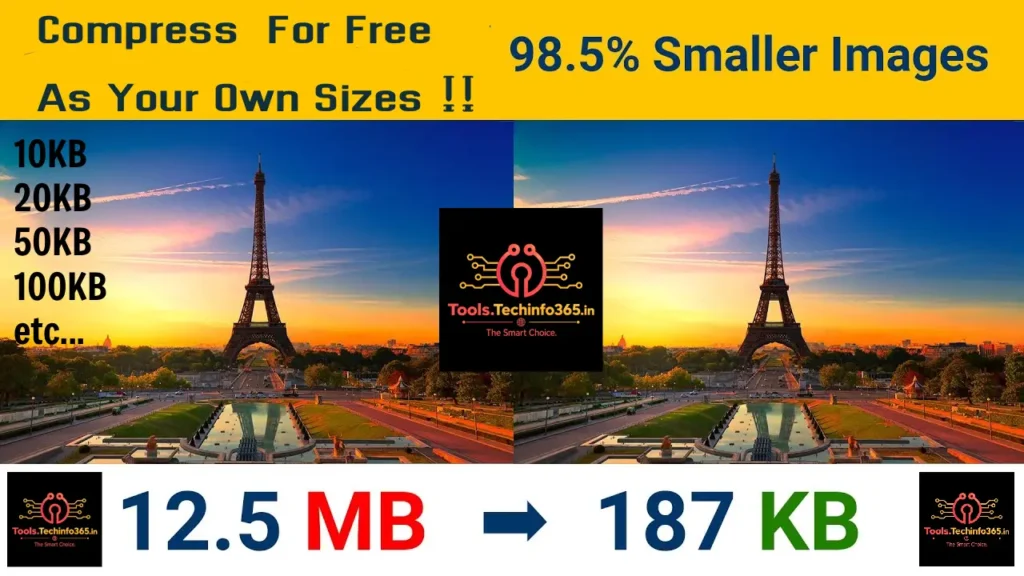
Compress Image Online Free
Compress JPG, PNG, JPEG and WebP images to a specific size in KB without losing quality.
📸 Compress Image To Specific Size
Original Size
0 KBCompressed Size
0 KBSaved
0%Original Image
Compressed Image
📚 Table of Contents
Compress Image Online Free
Compress Image Online is a powerful and easy-to-use tool that helps users reduce image file sizes without significantly affecting image quality. Large image files can slow websites, increase storage usage, and make uploading difficult. By compressing images, you can improve website speed, save storage space, and optimize images for social media, email attachments, online forms, and web applications.
This tool supports JPG, JPEG, PNG, and WebP image formats. Everything is processed directly inside your browser, ensuring complete privacy and security. No image is uploaded to any server, making the tool fast, secure, and reliable.
How To Compress Images
- Select an image from your device.
- Choose a target file size.
- Optionally enter a custom KB size.
- Adjust compression quality.
- Click Compress & Download.
- Preview the result instantly.
- Download the optimized image.
Benefits Of Image Compression
- Faster website loading speed.
- Improved SEO performance.
- Reduced storage requirements.
- Lower bandwidth usage.
- Faster uploads and downloads.
- Better user experience.
- Higher Core Web Vitals scores.
- Improved mobile performance.
- Ideal for blogs and eCommerce websites.
- Easy sharing through email and messaging apps.
Key Features
- Compress images to specific KB sizes.
- Custom target size support.
- Quality slider adjustment.
- Drag and drop upload.
- Before and after image preview.
- Download optimized image instantly.
- Works on desktop and mobile.
- No registration required.
- 100% free image compression.
- Browser-based processing.
Who Can Use This Tool?
This image compressor is useful for bloggers, website owners, students, photographers, graphic designers, digital marketers, content creators, and business professionals. Whether you need to optimize images for websites, online applications, portfolios, resumes, or social media platforms, this tool helps reduce image size quickly and efficiently.
Supported Formats
- JPG
- JPEG
- PNG
- WEBP
- BMP
- GIF (Static Images)
Privacy & Security
Your privacy is important. All image processing happens locally inside your browser. No files are stored, uploaded, or shared with external servers. This ensures complete privacy and security for your images.